Getting Started
When commissions open up, you'll see the "Apply For Commission" button show up on the main menu. It should look like this:

If applications are closed, but the button remains enabled, you will encounter a "Commissions Closed" landing page. Once clicked, you'll be directed to the application form.
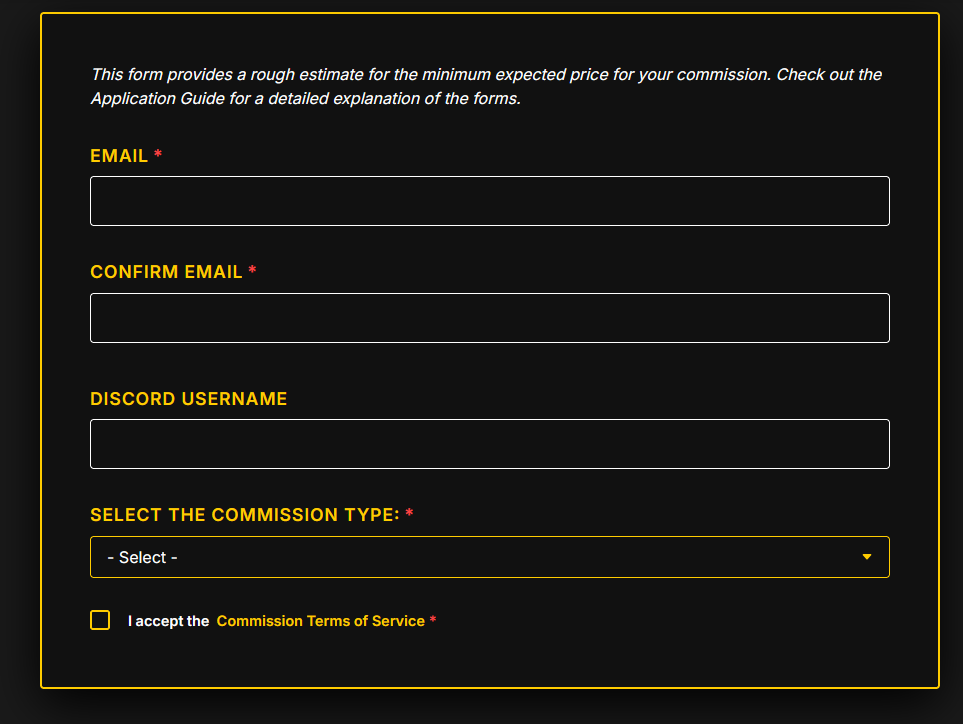
A valid email is required for communication. This is Shy's primary contact method for sending invoices and updates. You may also provide a Discord username if you prefer to communicate there.
Commission Types
In the dropdown menu, you can choose between Illustrations, Reference Sheets, or Chibis. Note that prices update live as you make selections.
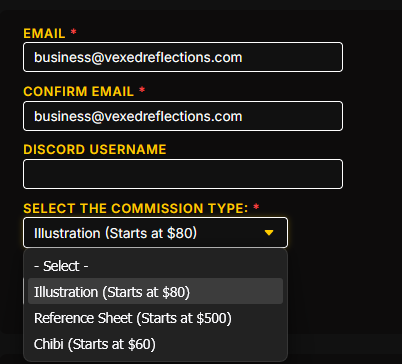
Each type has unique options. If you require multiple different commission types (e.g., an Illustration AND a Chibi), you must submit a separate application for each. However, you can add up to three characters within a single Illustration or Chibi request.

Illustrations & Chibi
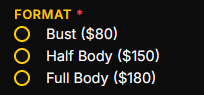
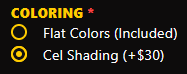
Pricing is calculated per character. You can select the drawing format (Bust, Half Body, Full Body) and the coloring style.
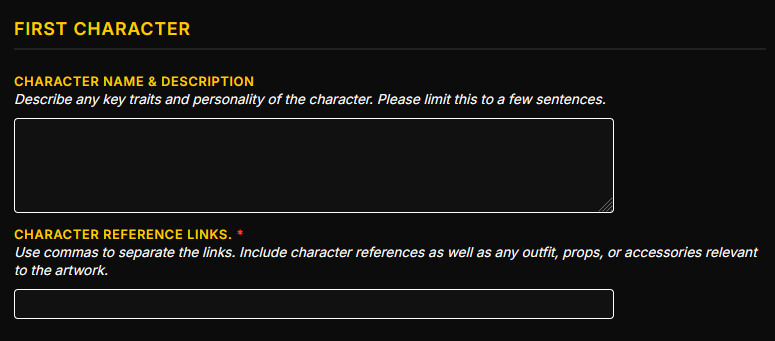
Characters & Scene
Provide a description for each character and include reference links. Crucial: Please keep reference links comma-separated to ensure a smooth review process.
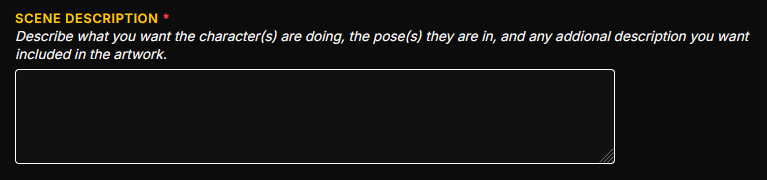
The "Scene" description is where you outline the background, character actions, and specific details important to the final piece.
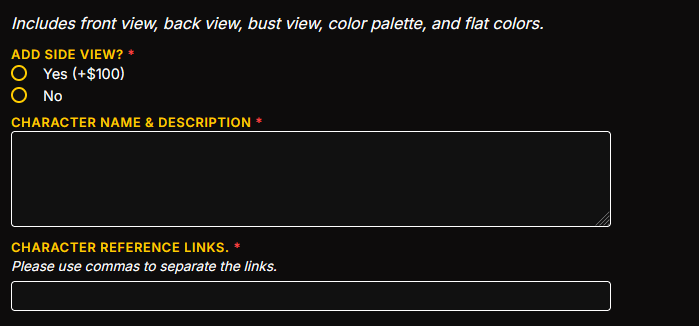
Reference Sheets
Reference sheets are handled per-character. Instead of scene details, you have options for side profiles and specific turnarounds.
Rights & CToS
Commercial rights (for merchandise or branding) can be requested via the checkbox. Note that pricing for these rights is negotiated separately after review.

Before proceeding to the preview, you must acknowledge that you have read the Commission Terms of Service (CToS).

Review & Submission
The floating "Estimated Total" keeps track of your price. Once ready, click the Preview button to review your full application.

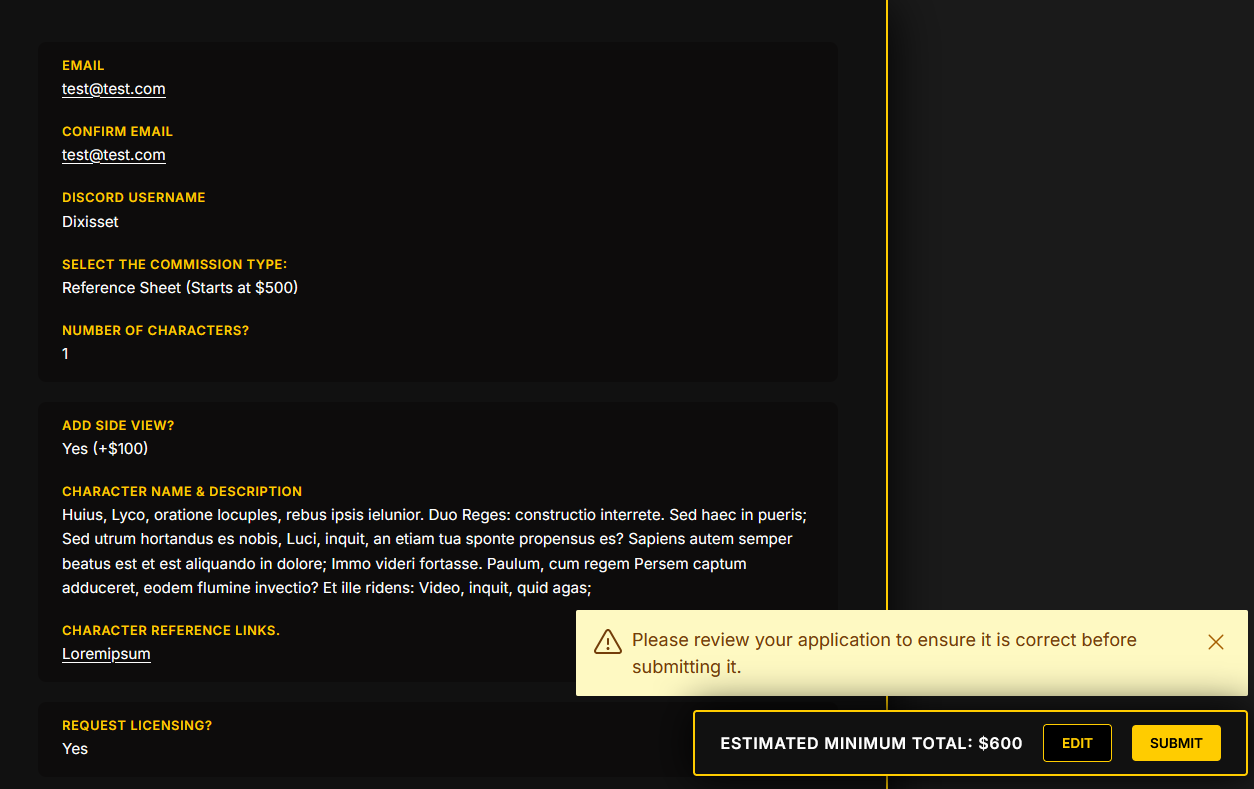
On the Preview Page, you can verify your links and selections. Use the Edit button to make changes or the Submit button to finalize.
Upon a successful submission, you will see a confirmation message. If you encounter errors, please contact business@vexedreflections.com.